Start from a template
Start a flow from one of six ready-made templates: pick one, let Flowmage check what it needs in your workspace, and change it from there.
Steps
Open the templates
On Flows, click Templates… at the top, or New flow and then From a template.
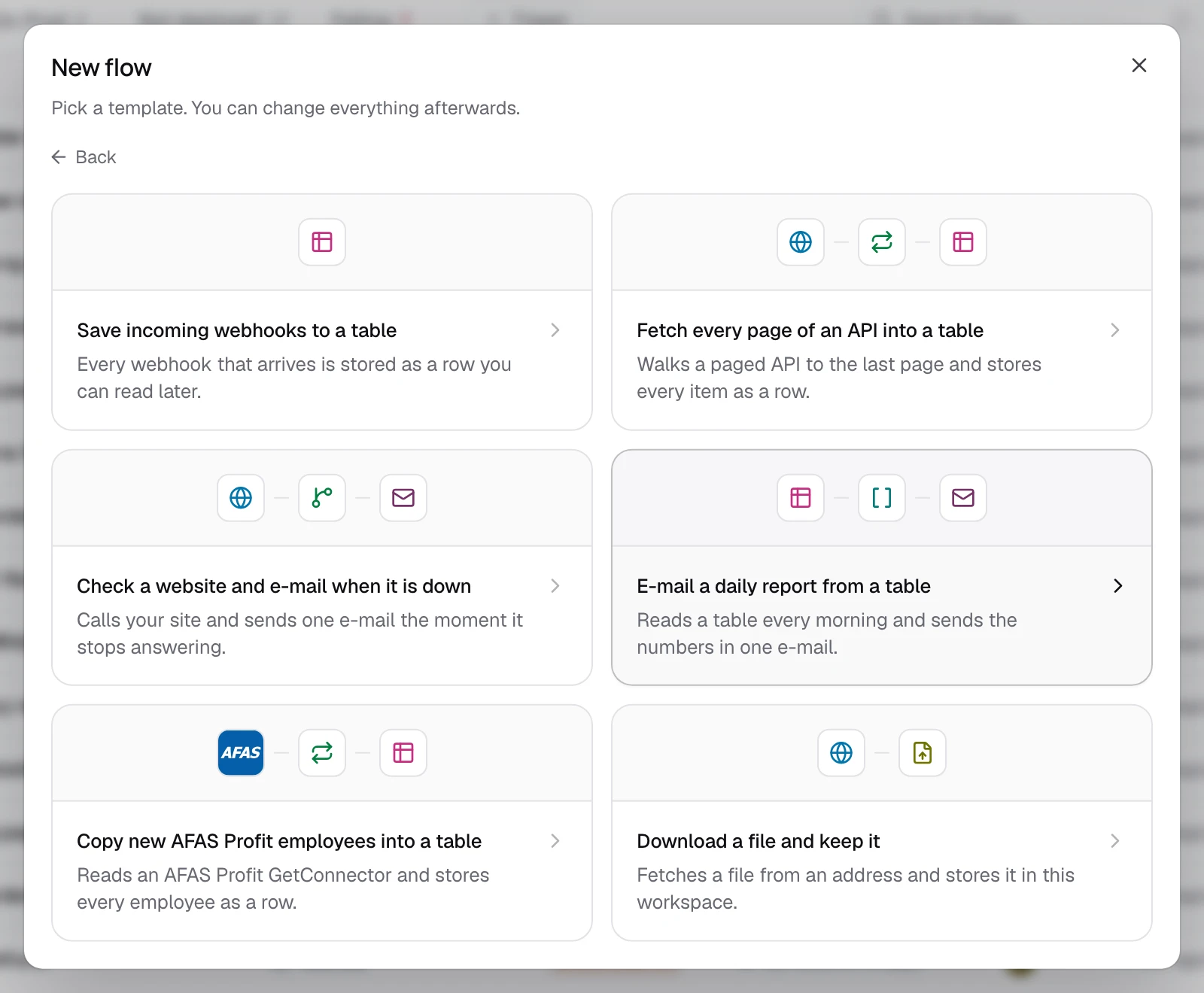
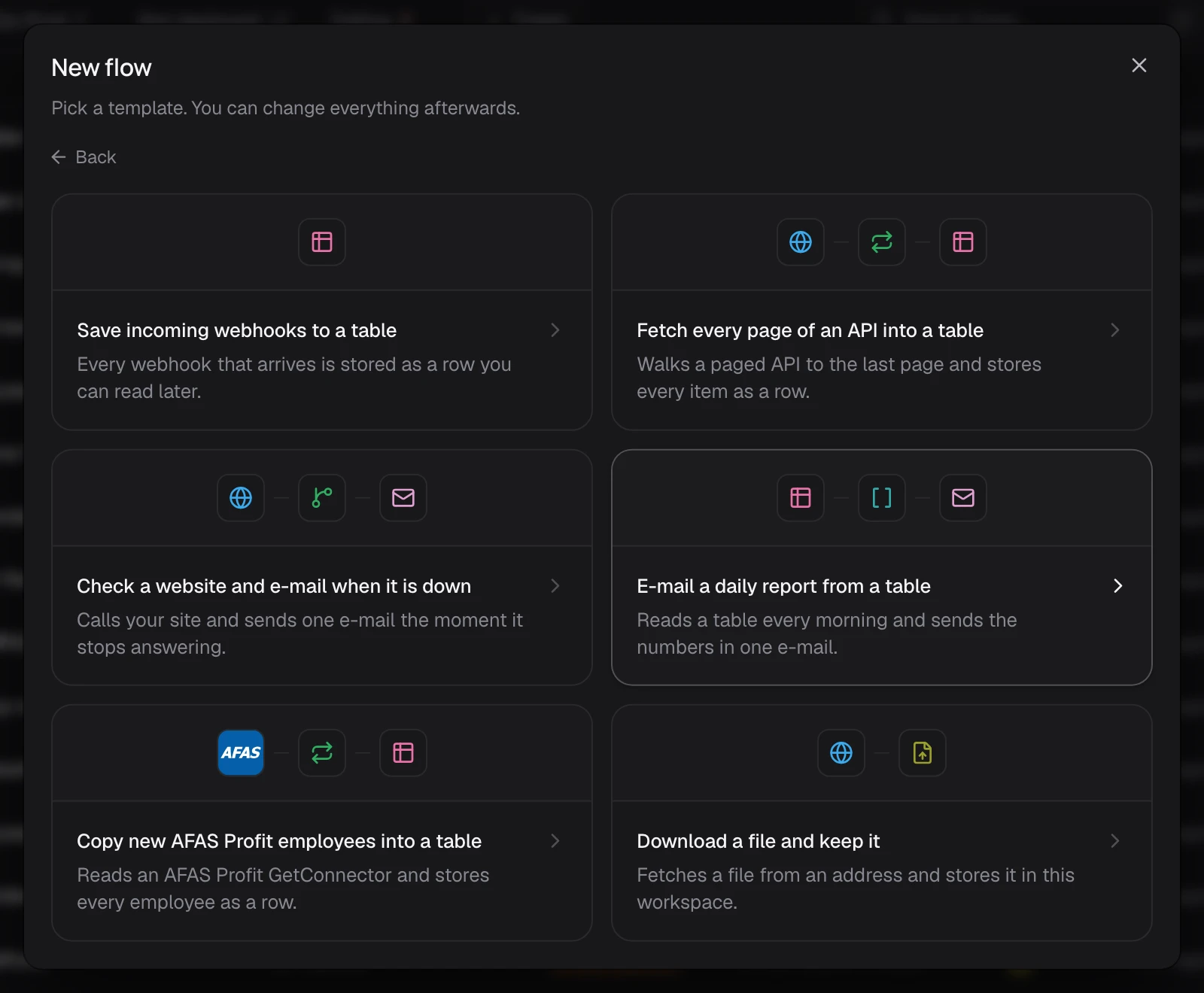
Each template also has a page in the template gallery: Open in Flowmage under its diagram opens the next step in your workspace.
Check what it needs
Click a template. Use this template shows its Name and, under What this flow needs here, the tables, connections and settings it uses. For a missing table, click Create table: the flow uses the new table.


Make the flow
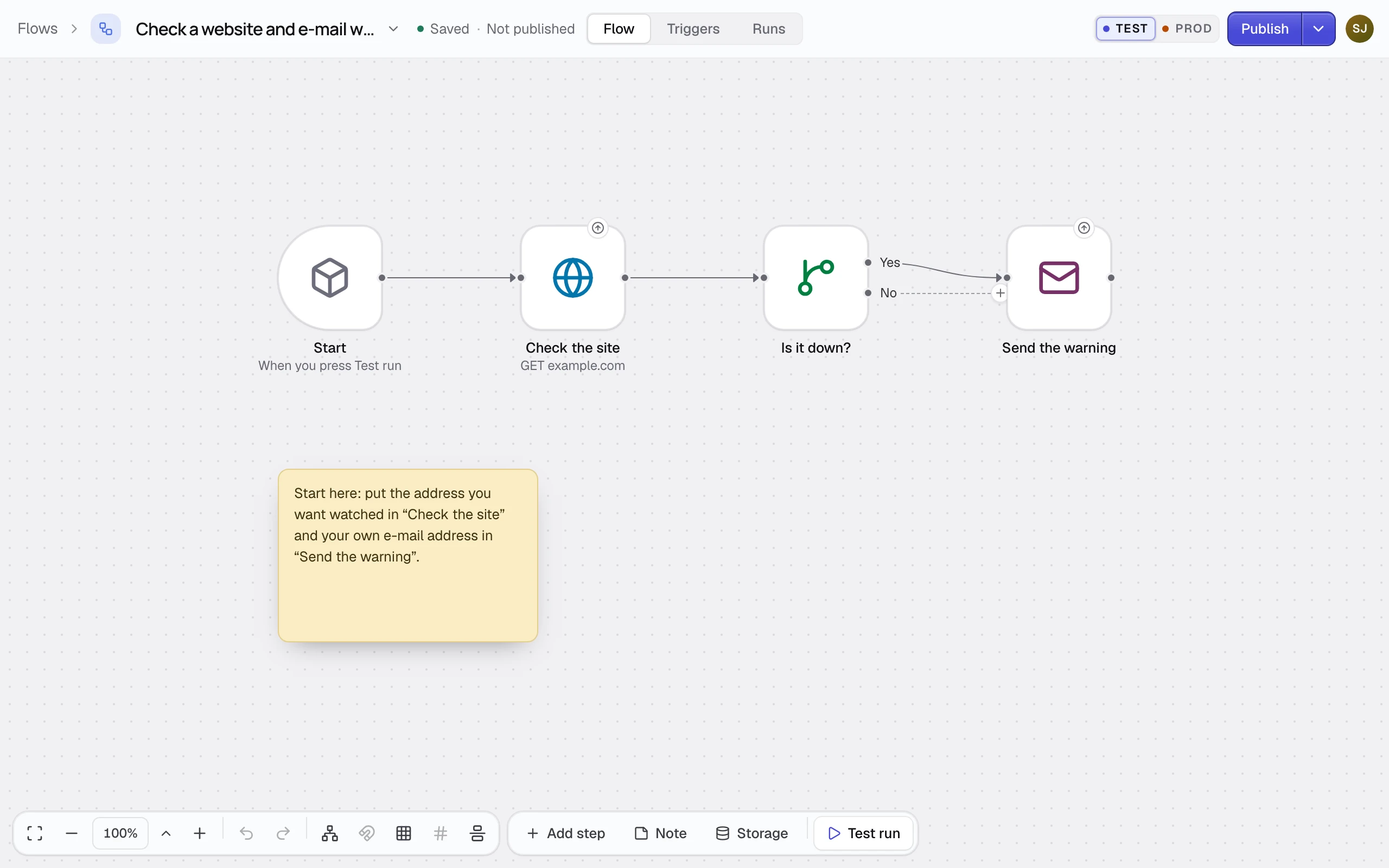
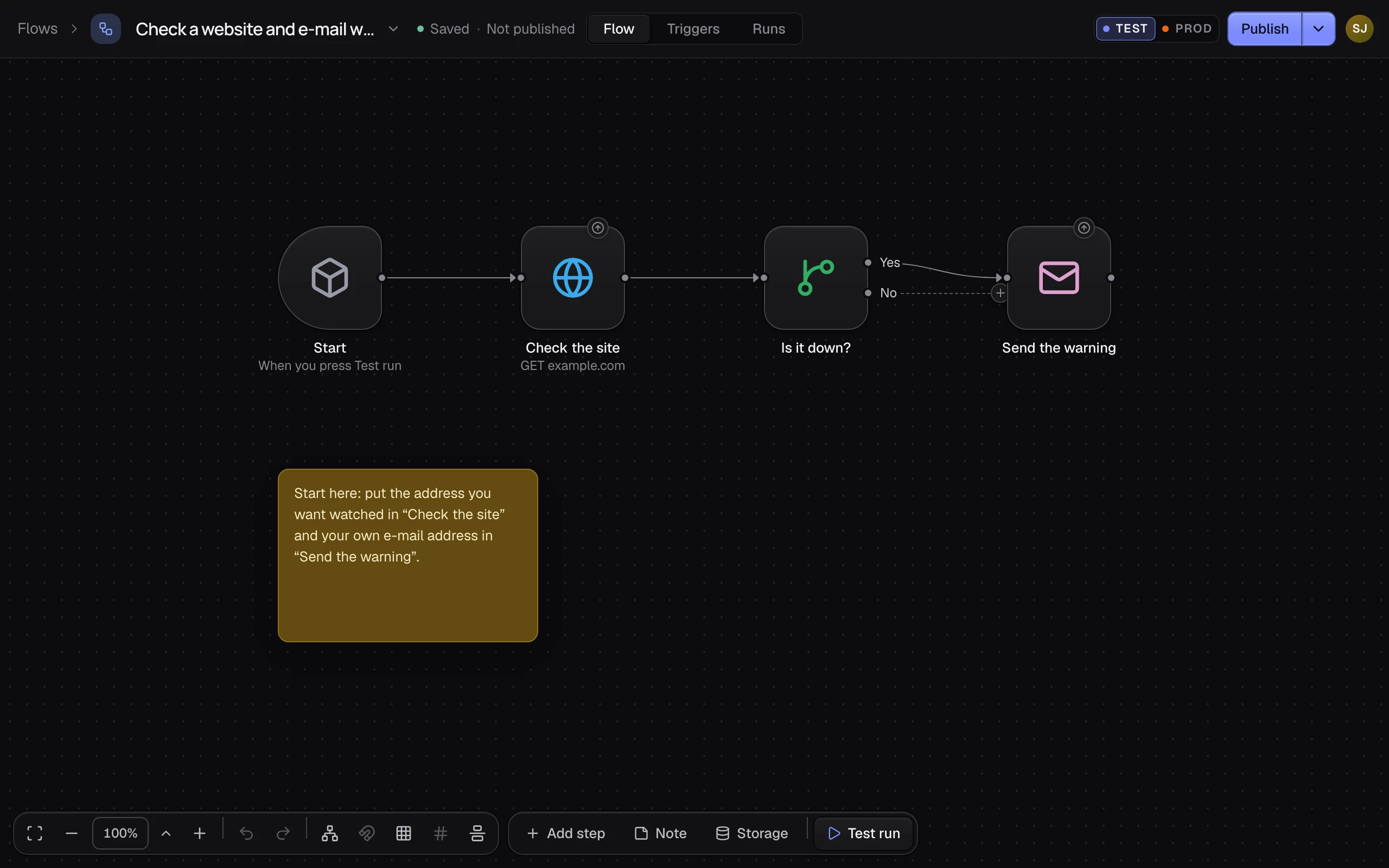
Check the name and click Use template. The flow opens as a draft, with a sticky note that says where to start. Nothing is published, and it has no trigger yet.
If it did not work
- "A flow with that name already exists in this workspace." You used this template before. Change Name, then click Use template.
- The check names a connection this workspace lacks. Add it first, with the name the check shows. See Connect a tool.
- The new flow does not run on its own. It has no trigger yet. Add one on its Triggers tab: see How triggers start flows.