Connect a service
Add a connection so your flows can reach a service such as AFAS Profit: pick the service, fill in its details, save them, then add the Prod credentials.
Steps
Pick the service
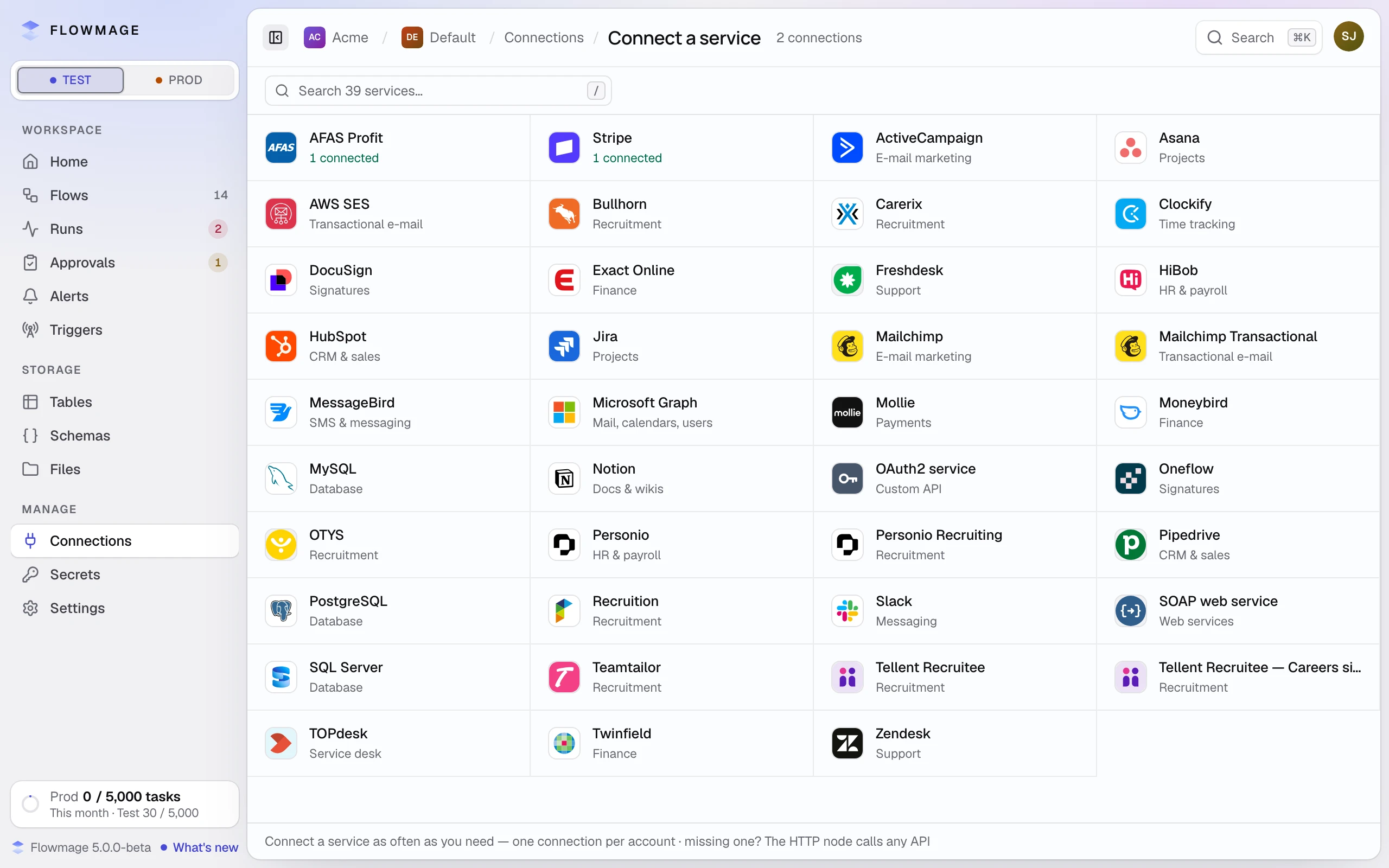
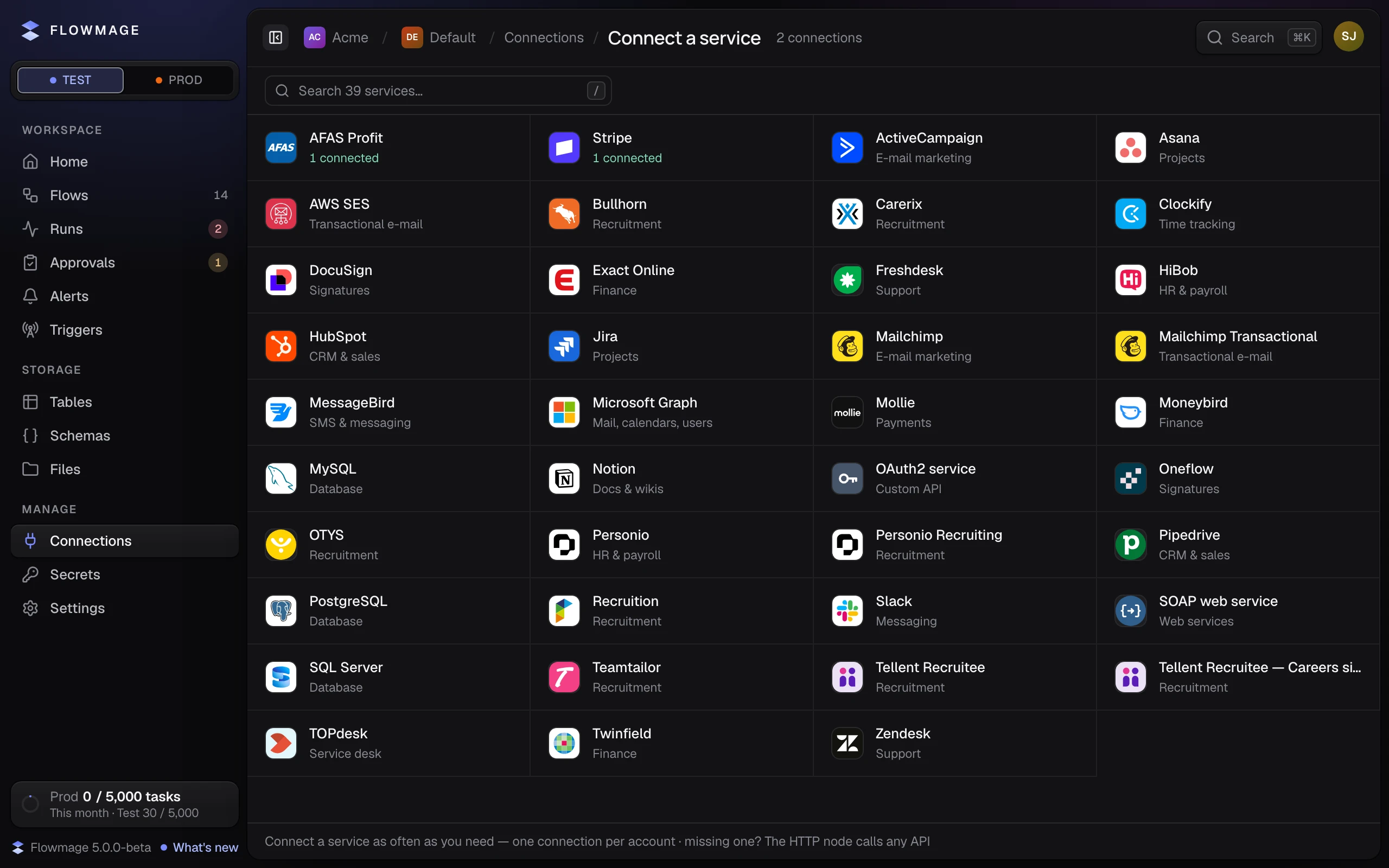
Open Connections and click New connection. Connect a service lists every service you can connect; search for yours by name.
Fill in the form
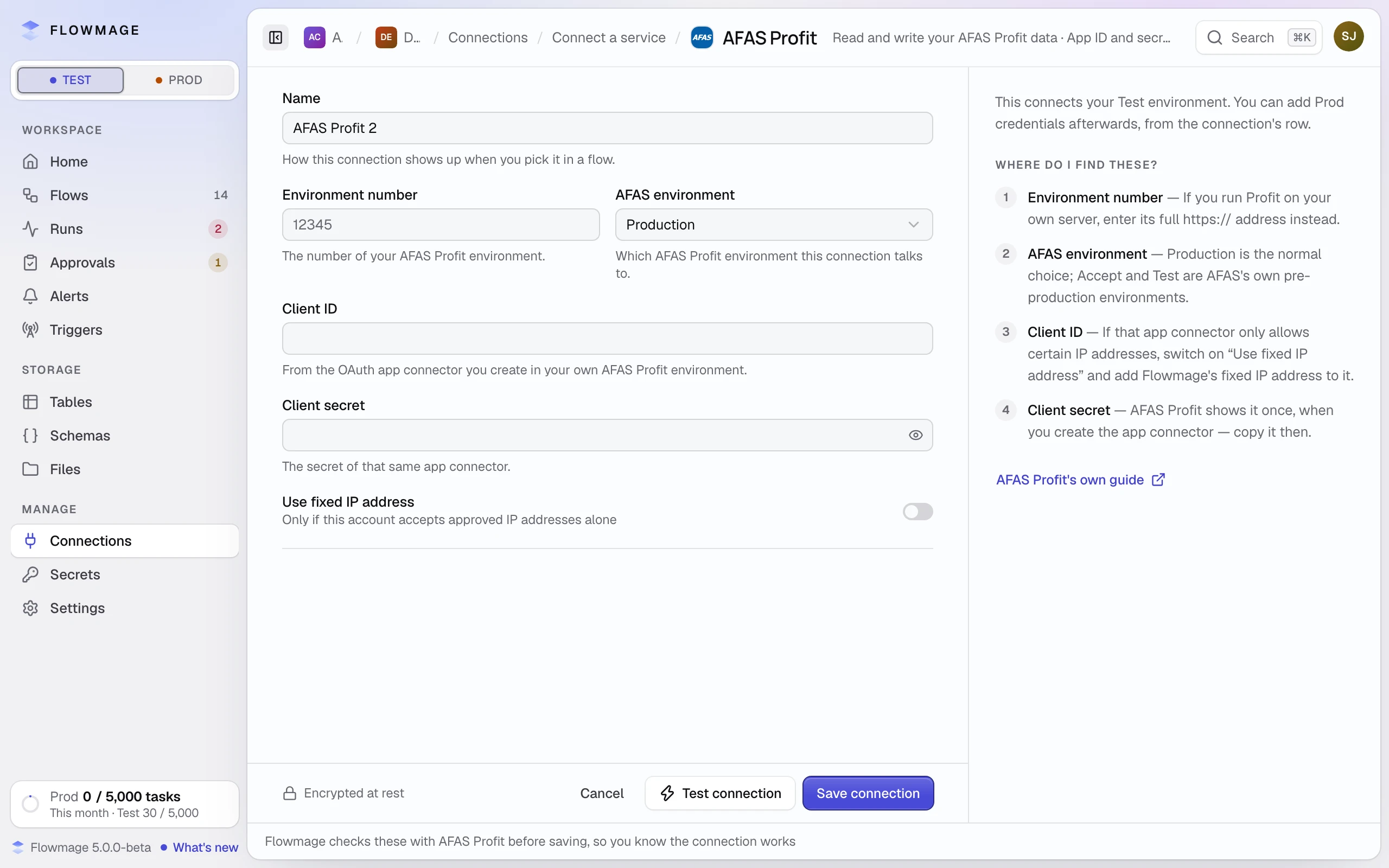
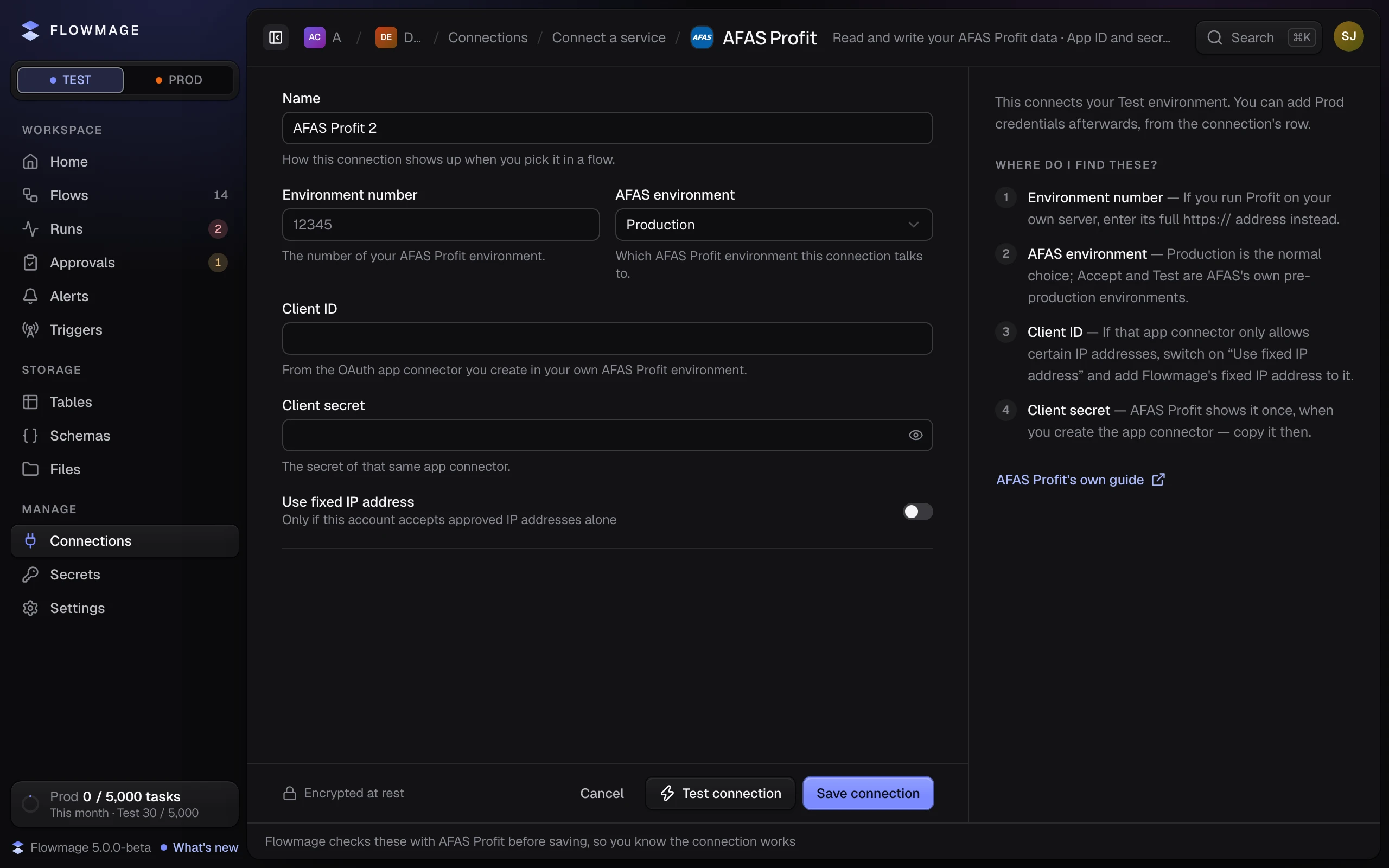
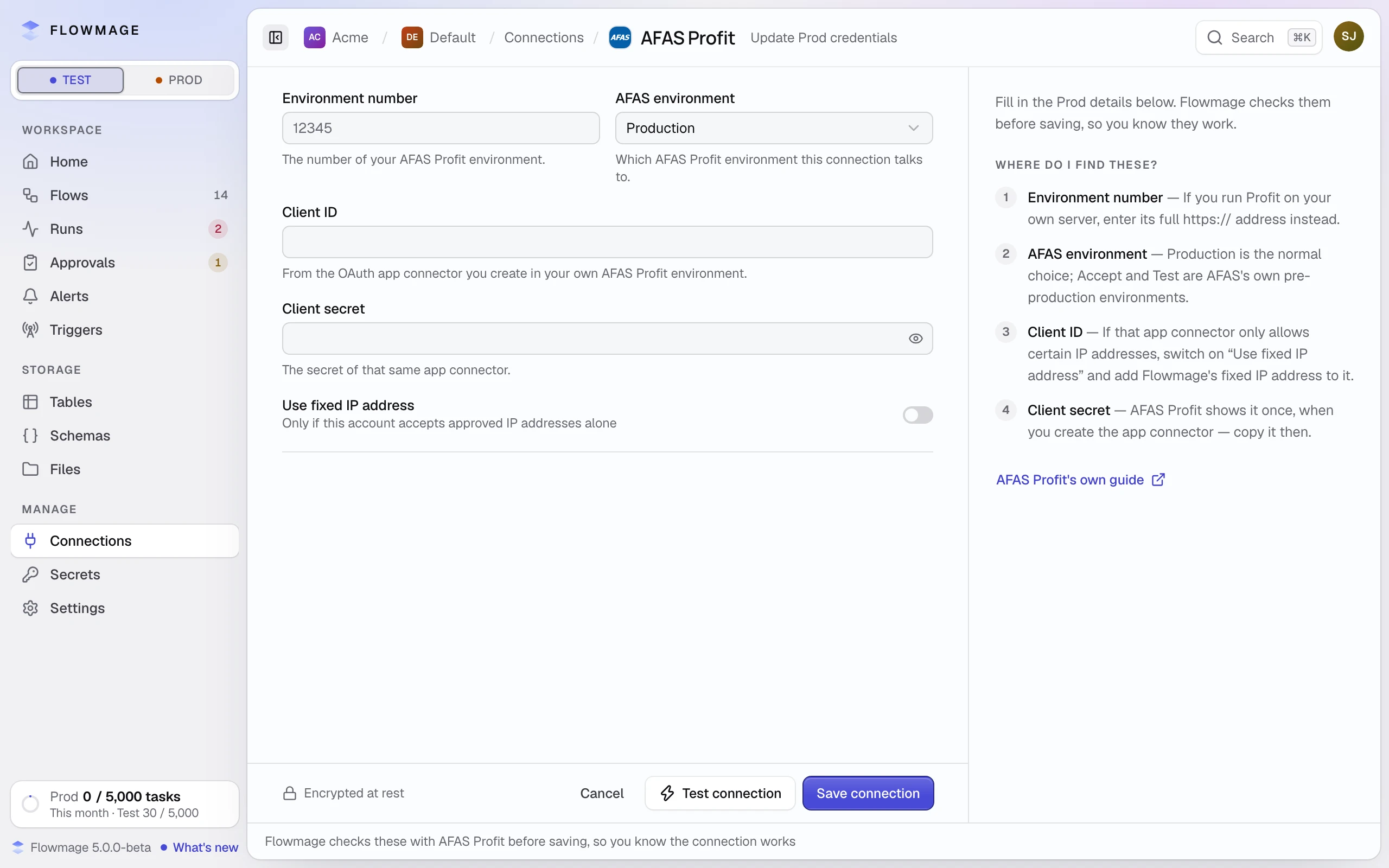
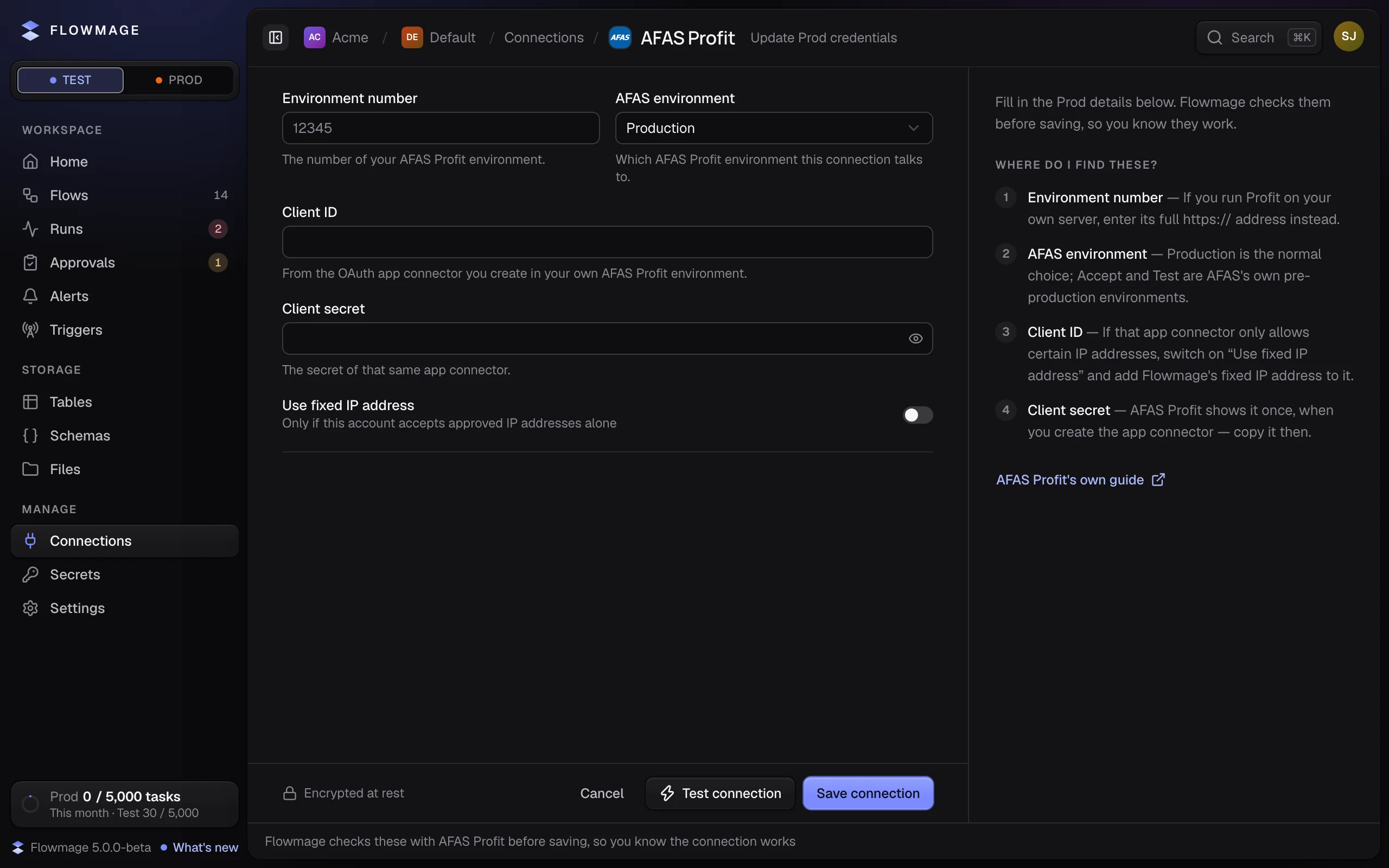
Click the service and fill in its fields. The line under each says where its value comes from; Where do I find these? beside the form explains each for this service. Name is what you pick in a flow.
Save it
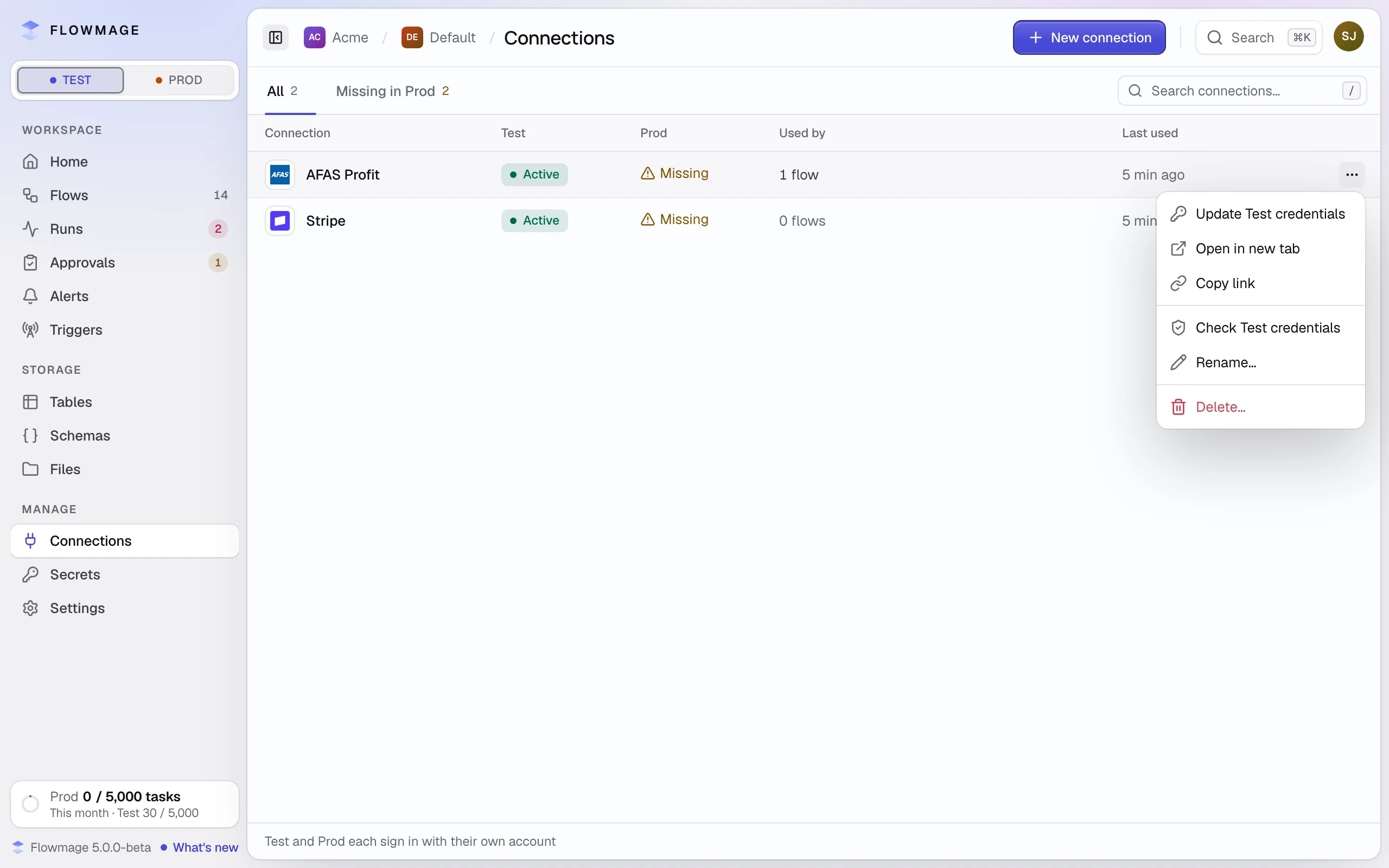
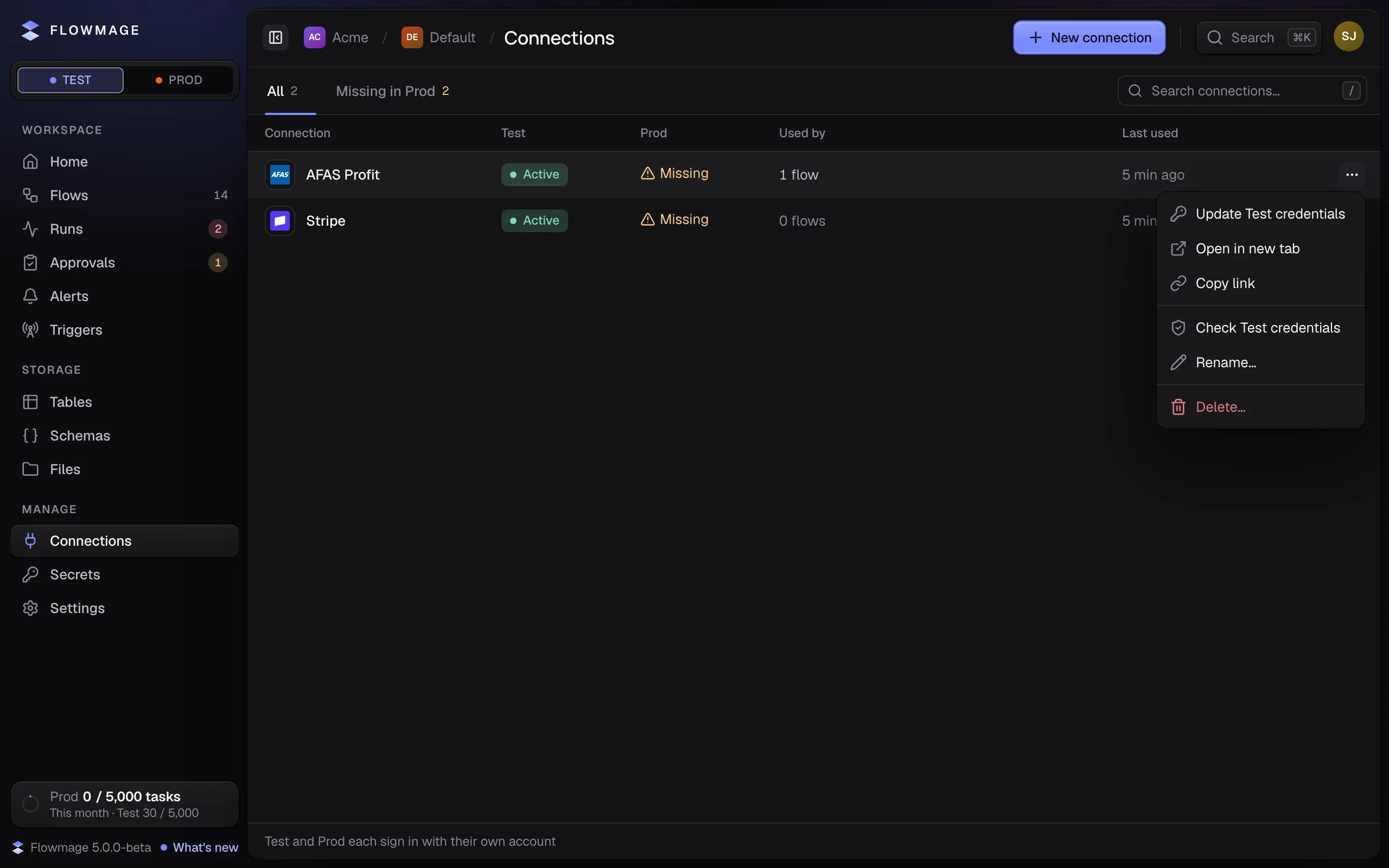
Click Save connection, and again on Prod credentials are added separately the first time. Flowmage saves once the service accepts the details: the connection is listed Active under Test and Missing under Prod.
How it works
A connection keeps one set of credentials for Test and one for Prod, and a run uses its own environment's, so a run on Test never reaches the service with your Prod details. A new connection always starts in Test, even when the switch shows Prod.
Add the Prod credentials
Before a flow that uses it runs on Prod, click Prod at the top of the sidebar. In the connection's ⋯ menu, click Update Prod credentials, fill in the Prod details and click Save connection, then Change them on Change Prod credentials?.
If it did not work
| You see | Do this |
|---|---|
| "Those credentials were refused" | The service did not accept them. Copy each value again from the service, and check the fields the message names. |
| "Could not reach …" | The service did not answer. If it lets in only approved IP addresses, switch on Use fixed IP address and add the address the message names at the service. If the service still has to let Flowmage in, Save anyway saves without the check; the list shows Not verified. |
| "These credentials don't look right — check the fields and try again." | A value is too short or not in the service's shape. The message names the field. |
| "You already have a connection called …" | Pick another Name. |
| "Prod is admin-only" | Ask a workspace admin to add the Prod credentials. |