Build your first flow
Make a flow from a template that saves what a webhook sends to a table, run it once from the editor and find the run it left.
Steps
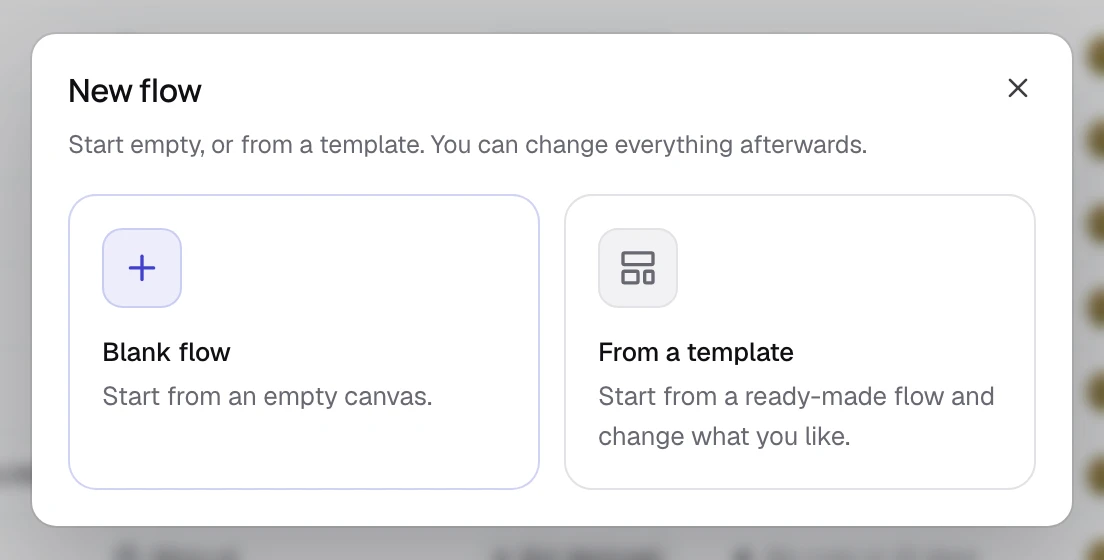
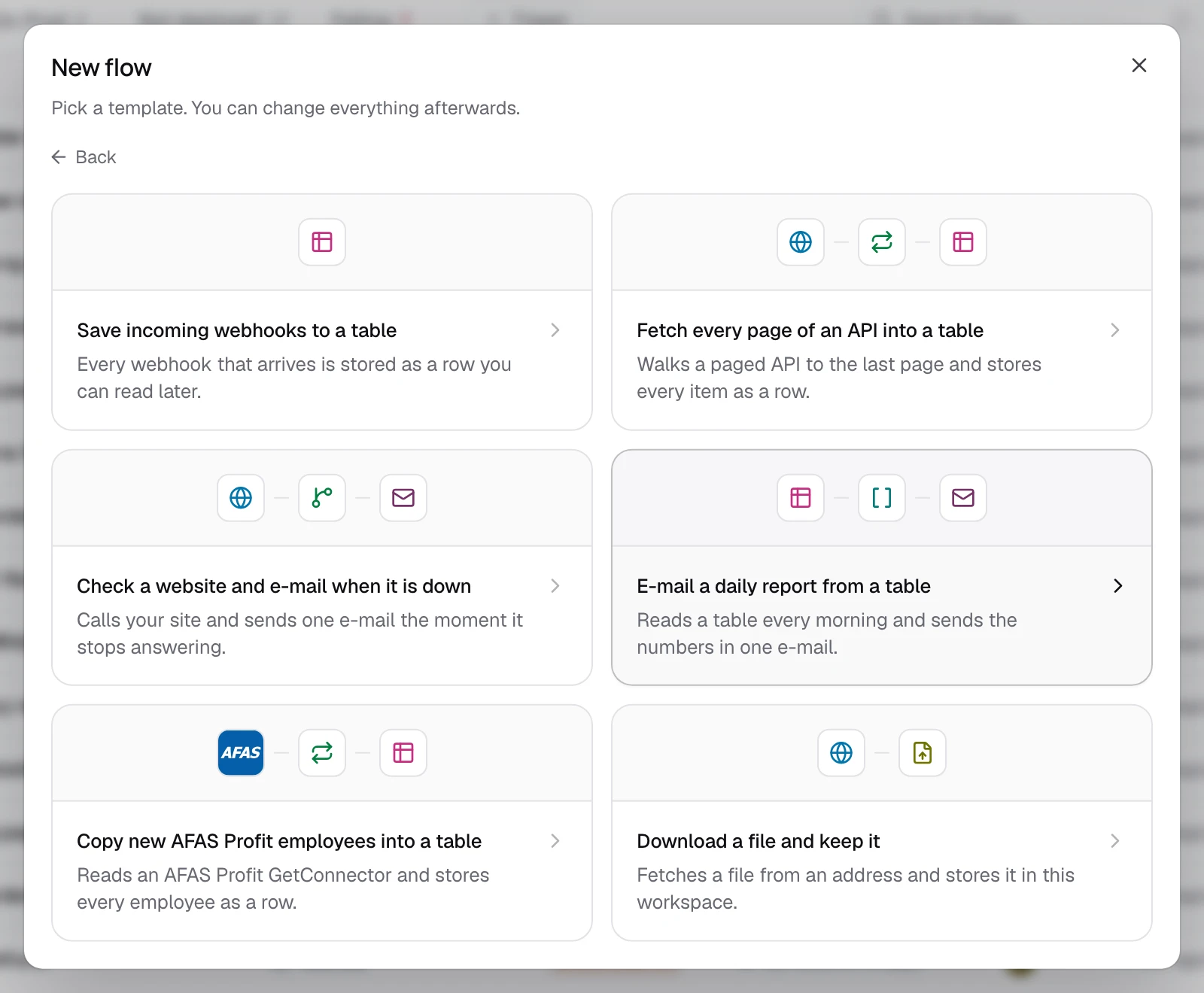
Pick the template
Click From a template, then Save incoming webhooks to a table. Use this template shows the flow's name and what it needs in your workspace.
Create the table it needs
Under What this flow needs here, click Create table, check its name and columns, and click Create table again. The list now says Everything this flow needs is already in this workspace.
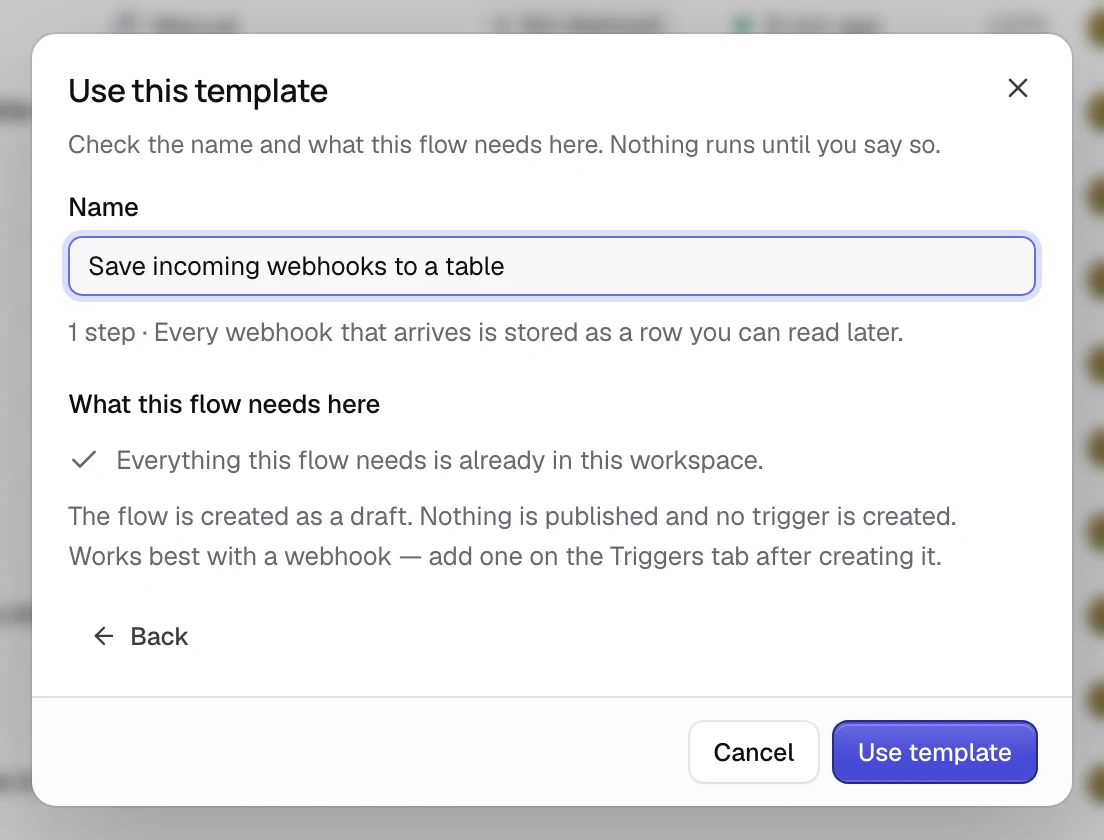
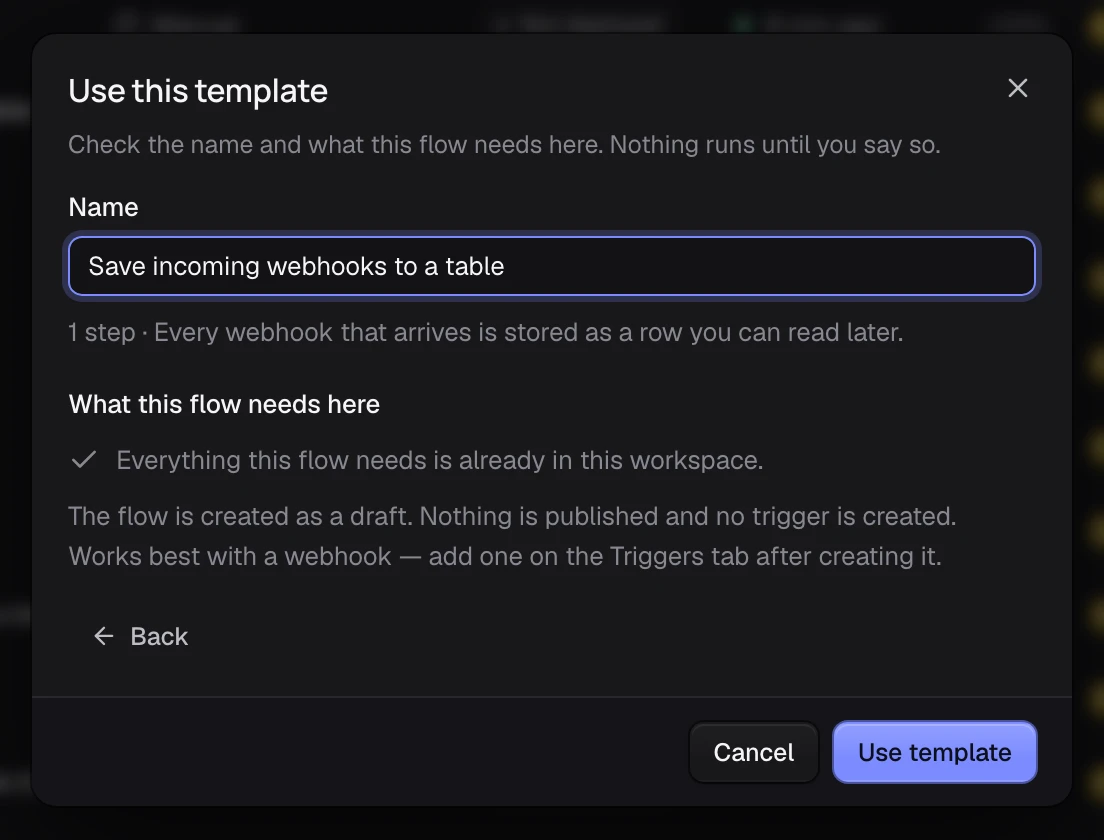
Use the template
Click Use template. The editor opens on Start, then Store the webhook: a draft, unpublished and with no trigger yet.
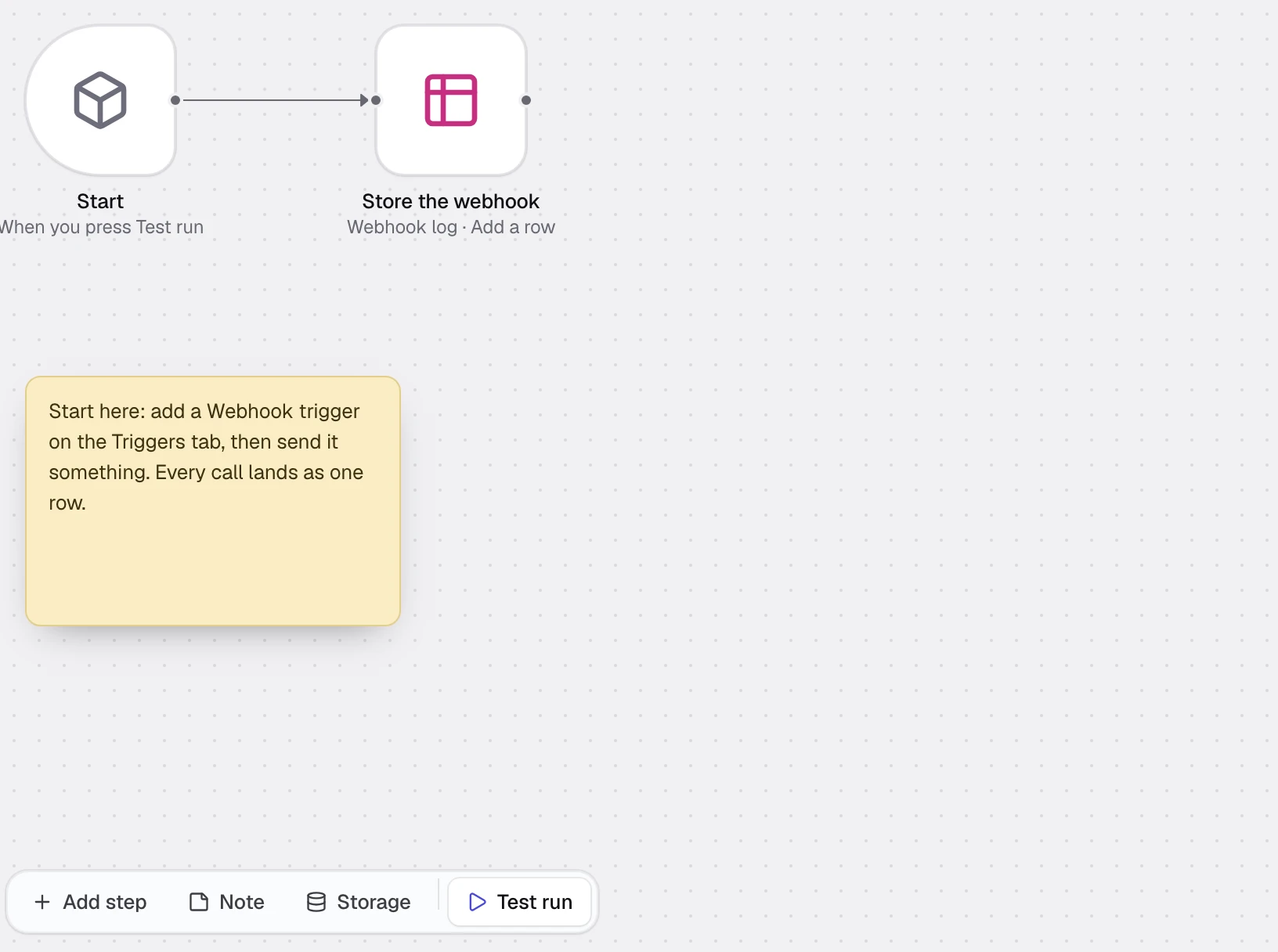
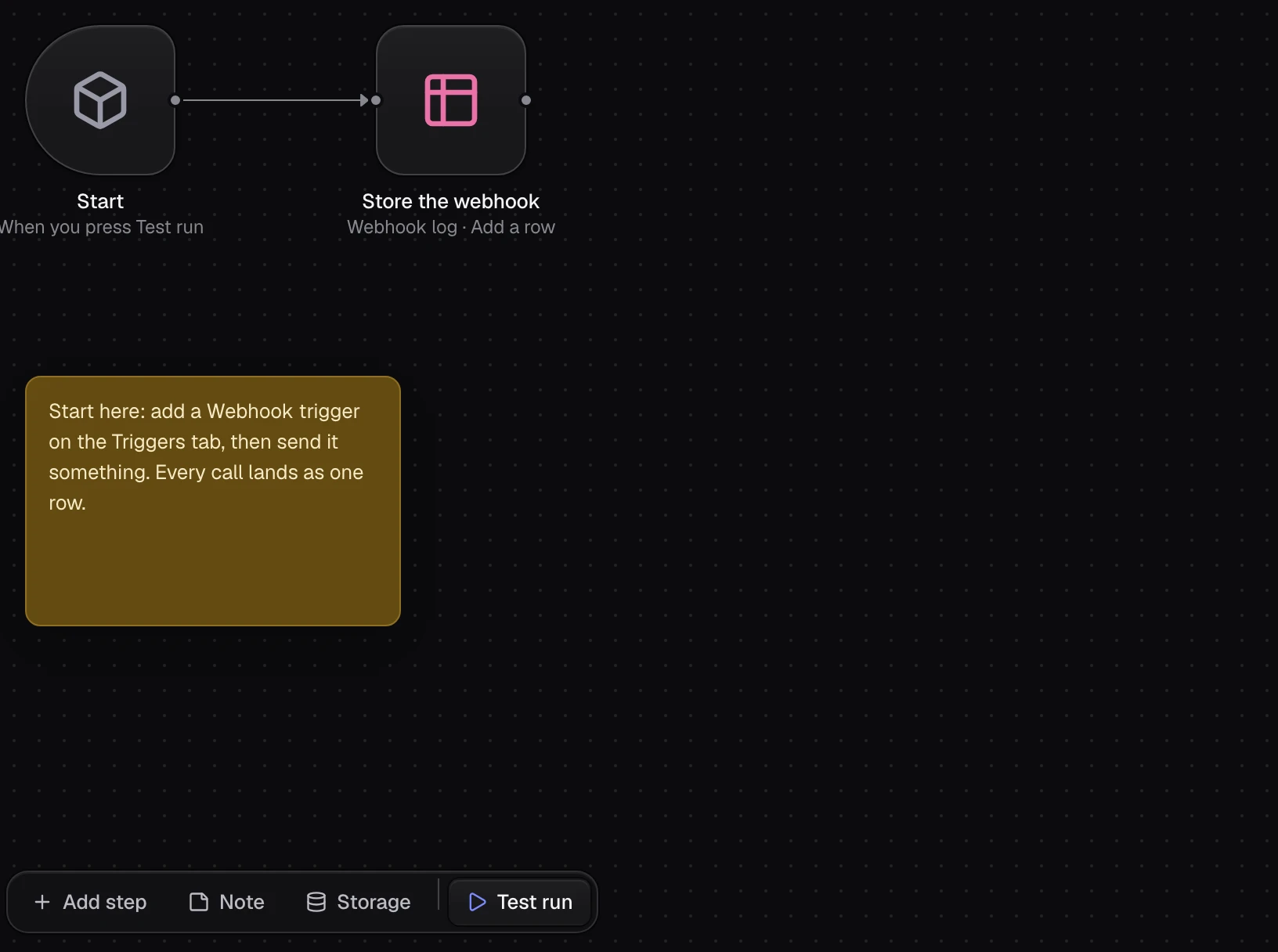
Run it
Click Test run at the bottom of the canvas. The run opens below the canvas and says Worked, with Start and Store the webhook under Steps.
What Test run does
It starts a draft run: your draft, on Test, unpublished. With no trigger, the run starts from the Start node's Trigger sample, empty in this template. Its row goes into the table's Test copy; Prod keeps its own rows.
Find the run
Click Runs at the top of the editor. Your run is under Today, marked Test run. Click it to see its path and what each step did.
If it did not work
- The run shows Failed. Click the failed step under Steps for its input and error. See Fix a failed run.
- "Flowmage needs a desktop". The editor does not open on a phone: use a wider screen.