How Flowmage works
A trigger starts a flow, its nodes do the work one step at a time, and Flowmage keeps every run so you can see what happened and why.
Why it matters
A flow has three parts, and each tells you where to look: a trigger starts it, nodes do the work, and its runs show what it did.
How it works
| Part | What it does | Where you find it |
|---|---|---|
| A trigger starts it | A webhook, a schedule, a workspace event or something in a connected service. Each time it fires, a run starts. | Triggers, and a flow's Triggers tab |
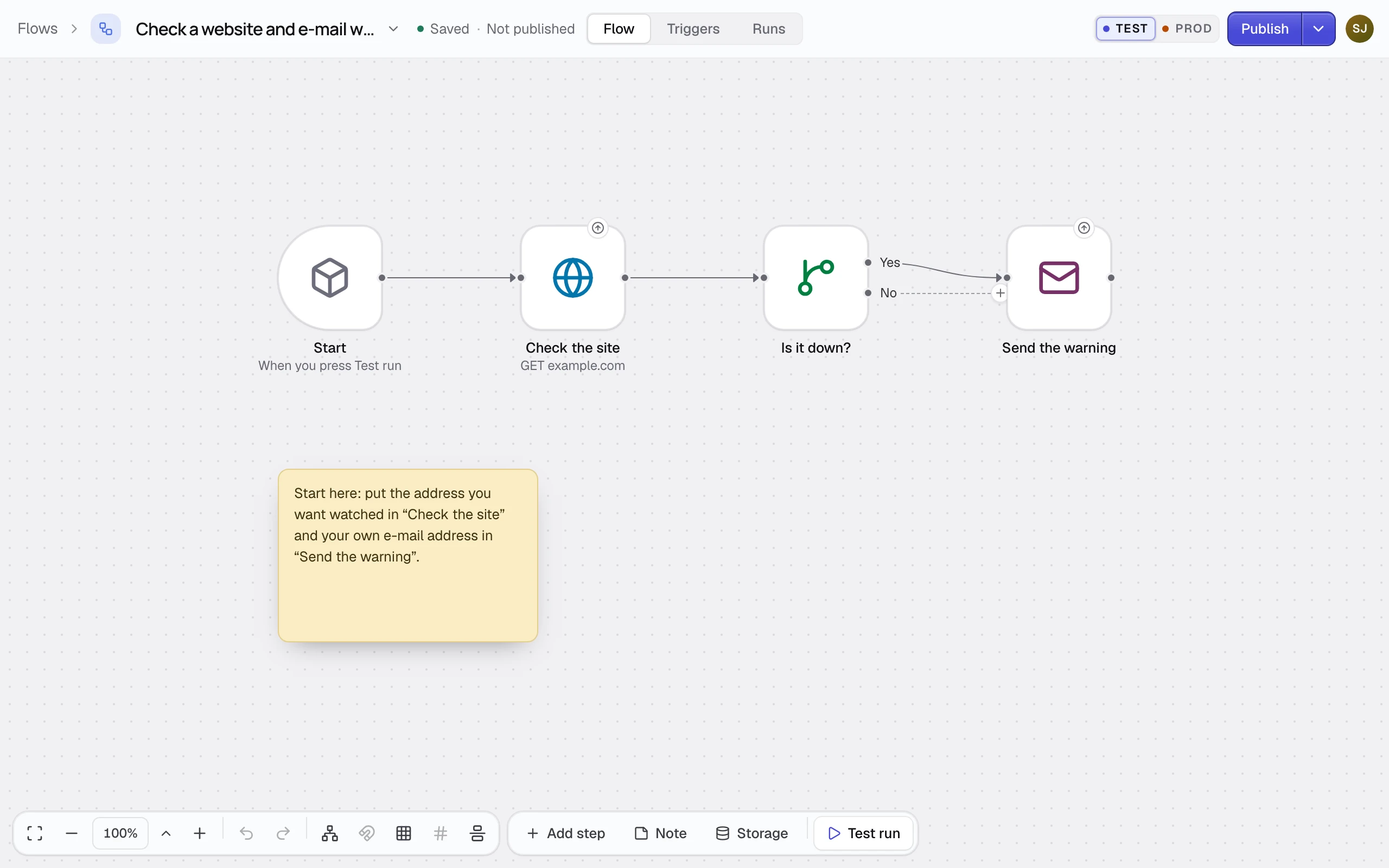
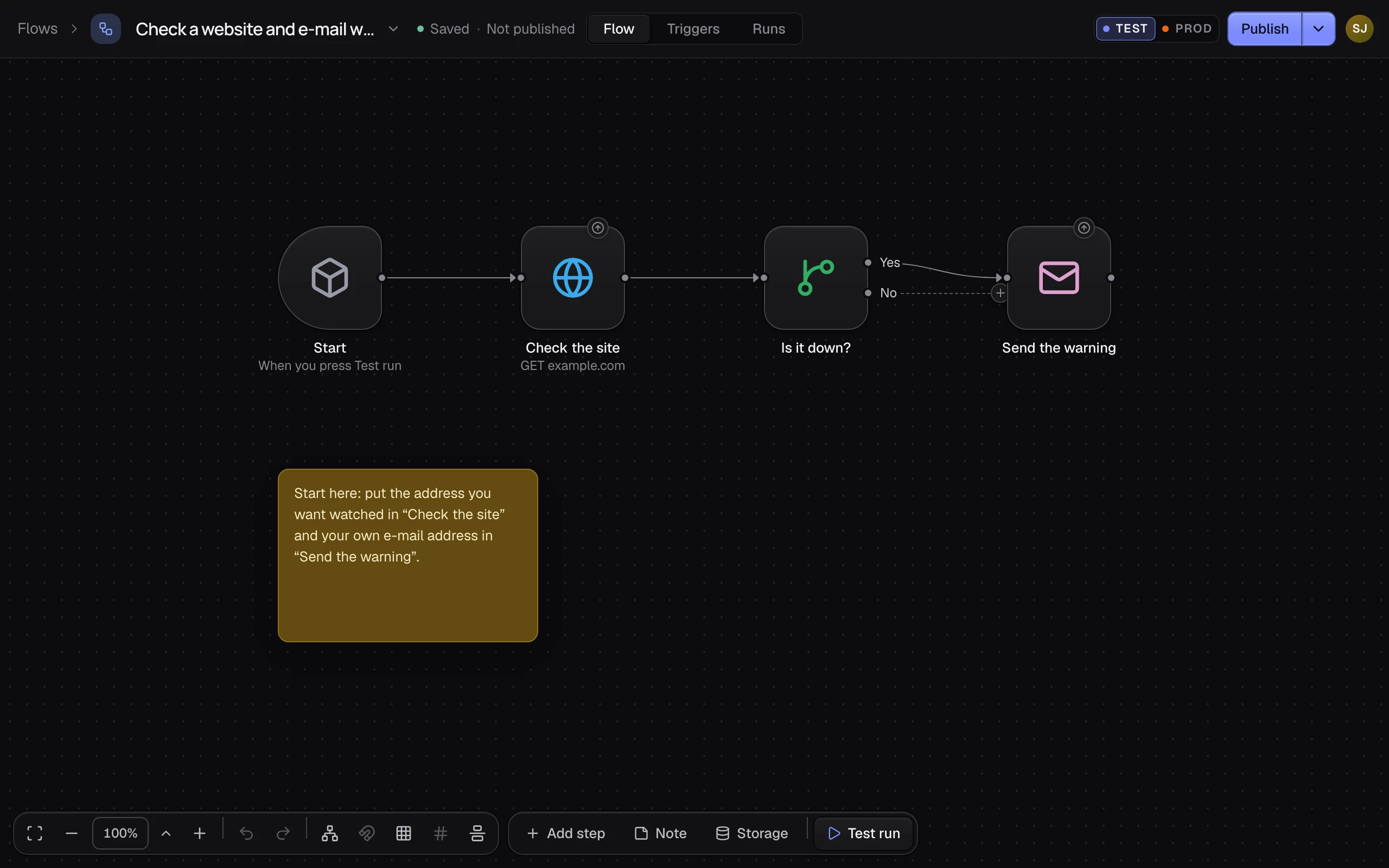
| Nodes do the work | One thing each: call a service, choose a path, add a row, send an email. An edge leads to the next node. | The canvas, on a flow's Flow tab |
| Every run is kept | Its steps, what each got and gave back, and how the run ended. | Runs, and a flow's Runs tab |
Draft, Test and Prod
Every workspace runs its flows in two environments, Test and Prod.
| What | Who runs it |
|---|---|
| The draft | What the editor shows and you edit. Only Test run runs it, never a trigger. |
| A version on Test | Publish saves the draft as a numbered version. Triggers on Test run it. |
| A version on Prod | Triggers on Prod run it, once you put it on Prod. |
An example
The Save incoming webhooks to a table template is a one-node flow: a webhook starts it, and Store the webhook adds what arrived as a row to the Webhook log table. Each run shows the row it added.
- Start
- Store the webhook
Limits
- A flow belongs to one workspace.
- What your plan allows is on Limits.