When a connection stops working
A run fails on a node that uses a connection. Most often the service no longer accepts the saved credentials: type them again for that environment.
Check these, in order
Were the credentials changed?
CONNECTION_BROKEN, and Connections marks the connection Broken under that environment: someone changed a password, rotated a client secret or removed Flowmage's access at the service.
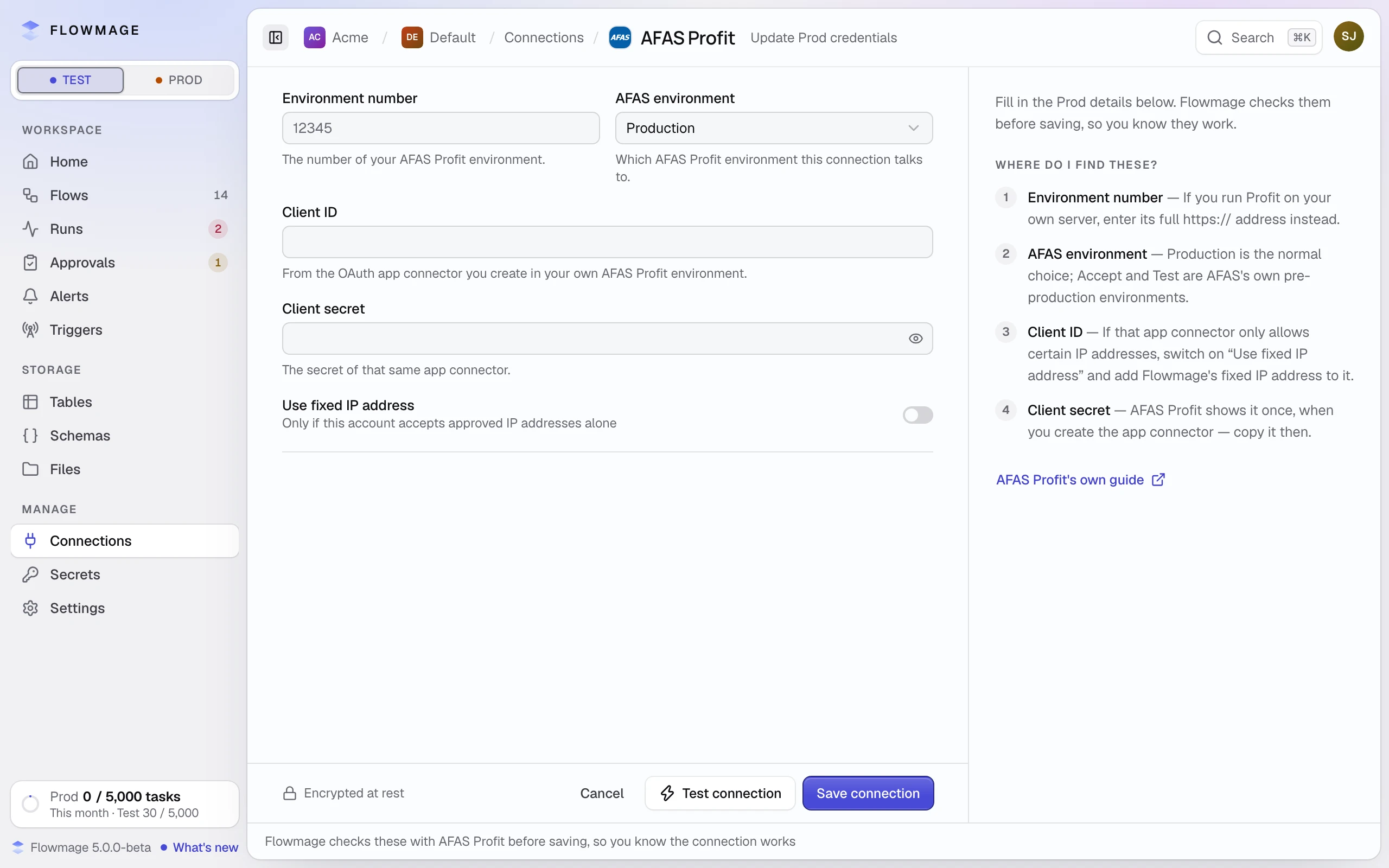
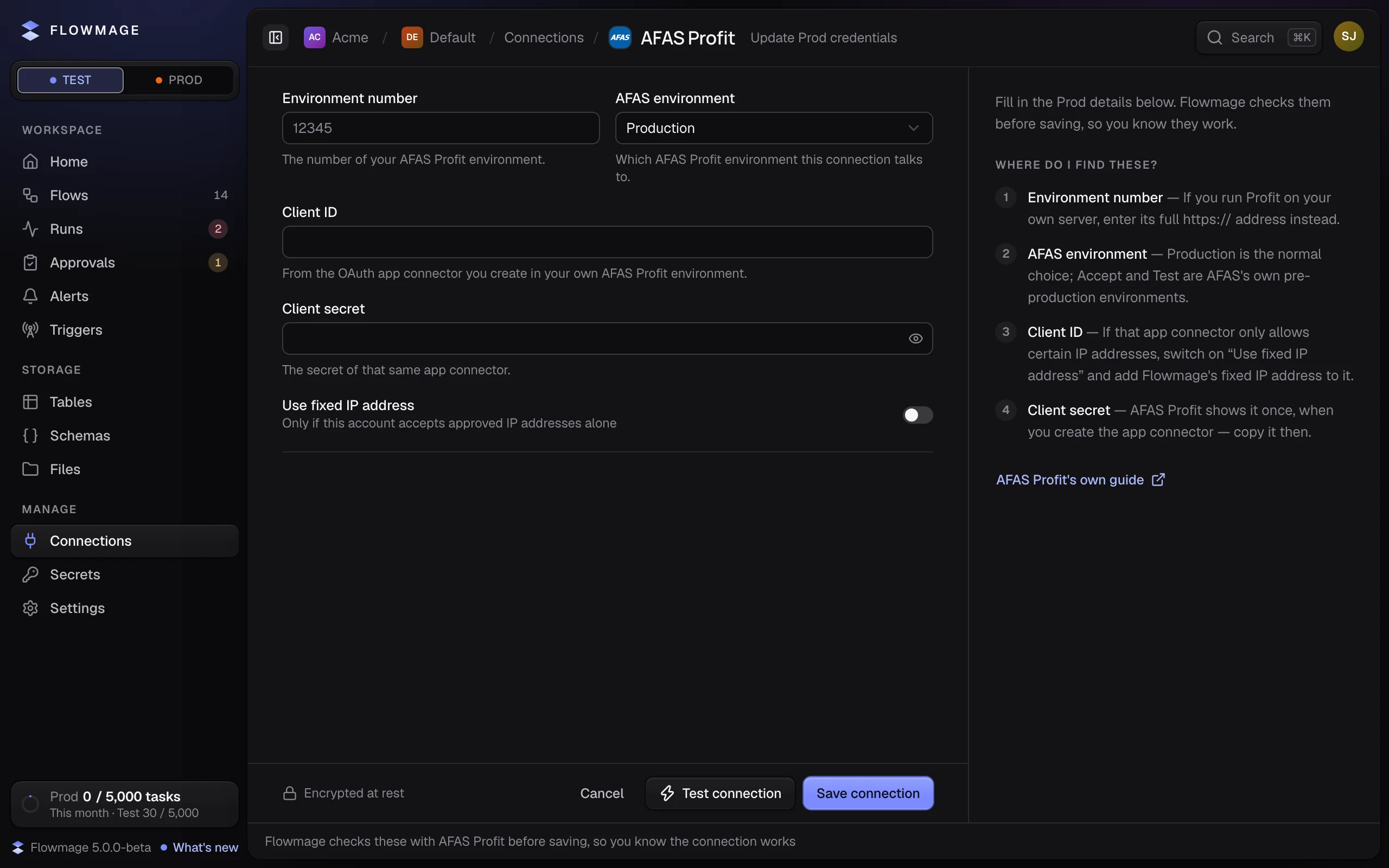
Switch to the run's environment. In the connection's ⋯ menu, click Update Test credentials or Update Prod credentials, type the details again and click Save connection (on Prod, then Change them). Check Test credentials or Check Prod credentials asks the service again without changing anything.
Are there credentials for this environment?
CONNECTION_MISSING, common on the first run on Prod: a new connection has only Test credentials. The list says Missing under Prod; the Missing in Prod tab gathers them all.
Click Prod at the top of the sidebar, then Update Prod credentials in the connection's ⋯ menu. Only a workspace admin can.
Does the sign-in need renewing?
CONNECTION_RECONNECT_REQUIRED, and the list marks the connection Reconnect: the service ended Flowmage's sign-in, and typing the fields again does not renew it. Click Reconnect on its row, or Connect / reconnect on its credentials page, and sign in at the service.
Is a connection picked?
CONNECTION_NOT_FOUND or CONNECTION_NOT_SELECTED: the connection was deleted, or the node has none. Pick one in the node's Connection field.
Could Flowmage reach the service?
CONNECTION_UNREACHABLE: the service did not answer. Try again in a moment. If it lets in only approved IP addresses, switch on Use fixed IP address in the connection's credentials and add Flowmage's fixed IP address at the service.